
Full Image Set Generator vs Single Product Image Generator
This comparison helps sellers decide when a single visual is enough and when a coherent multi-image set is the better conversion workflow.
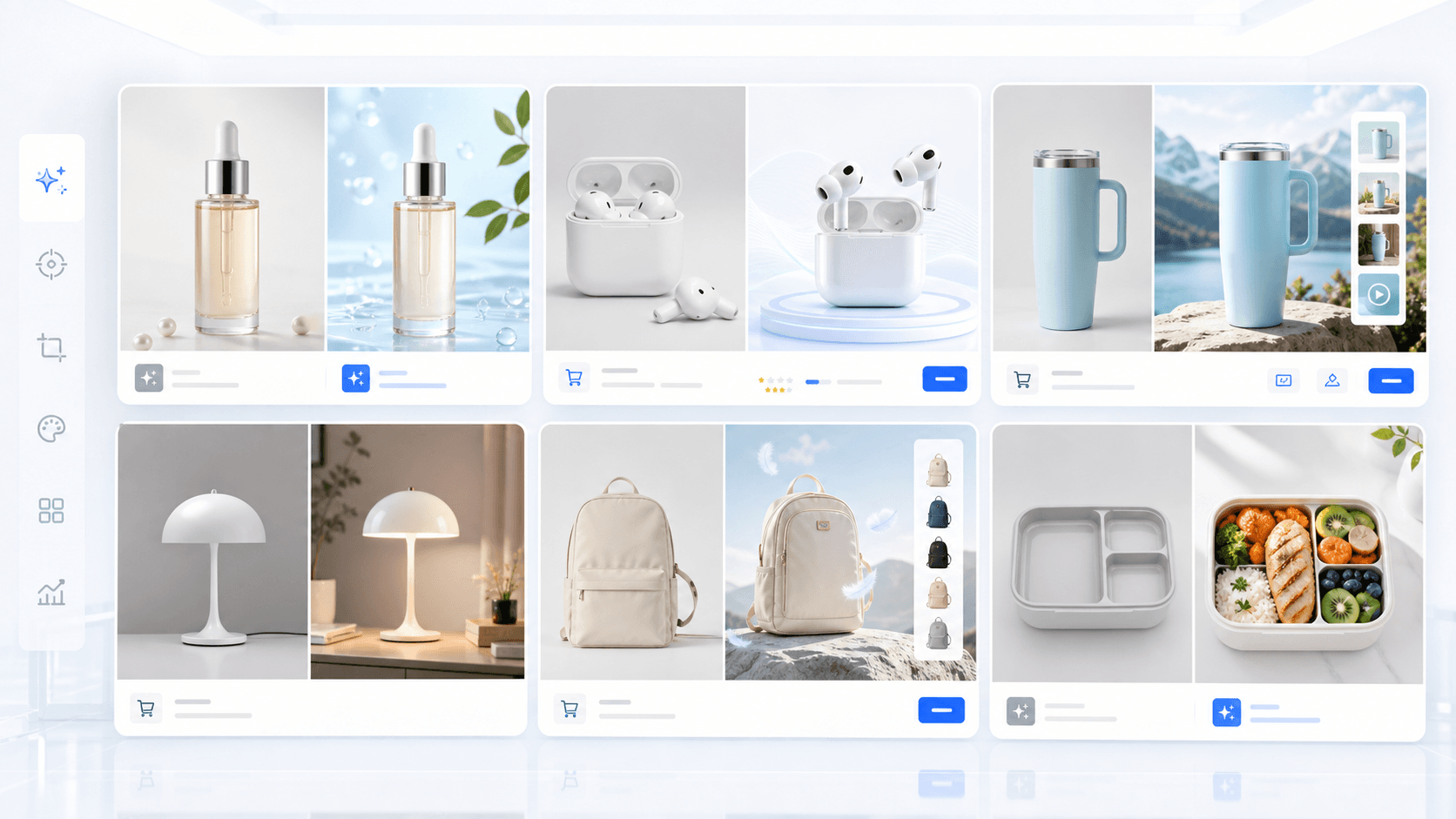
CommercePix AI by AISellerKit
Full Image Set Generator vs Single Product Image Generator
Workflow Overview
Choose the right next step
Workflow focus
full image set generator vs single product image generator
Best fit
Teams comparing multiple workflows or tool choices
Start the workflow
Start generatingChoose single image generation when
Single image generation is best when you need one hero visual, one listing image, one campaign concept, or a quick direction test before committing to a larger set.
Choose full image set generation when
Full image set generation is stronger when a product page needs a sequence: first impression, feature explanation, comparison, premium trust, and social distribution.
How they work together
A practical workflow is to test one strong visual first, then expand the winning direction into a complete image set with consistent product identity and selling-point logic.
FAQ
Is a full image set always better?
No. If you only need one placement, single image generation is faster. Full sets are better when the buyer journey needs multiple connected visuals.
Does a full image set cost more?
Usually it uses more images and therefore more credits, but it can reduce manual planning and revision time for complete product pages.
Can I start with one image and then make a set?
Yes. Start with one direction, then use the full image set workflow to expand it into listing, campaign, comparison, and detail-page visuals.
Ready to apply this workflow?
Create the next product visual
Use the full image set generator vs single product image generator workflow with your product references, then review the result against the destination channel before publishing.
Related resources
AI Product Image Generator vs Product Photo Retouching
Compare AI product image generation and product photo retouching to decide when to create net-new visuals and when to improve existing photos.
Product Photo Retouching vs Background Removal
Compare full product photo retouching and simple background removal to decide which workflow matches your ecommerce image needs.
AI Product Photography vs Traditional Studio
Compare AI product photography and traditional studio photography for speed, control, realism, cost, and ecommerce production workflows.
Full Image Set Generator for E-commerce
Create coherent e-commerce image sets for product launches, marketplace listings, campaigns, comparison blocks, premium detail pages, and social covers.
Resource center
A central entry point for guides, examples, templates, industry pages, and channel hubs.
AI product image resources
Browse guides, comparisons, templates, examples, and production use cases.
AI product image software resources
Cover software evaluation, creative automation, PDP optimization, and ecommerce buying intent.
Amazon and Shopify image resources
See how marketplace and storefront image systems differ.
E-commerce video
Alongside product-image workflows, CommercePix AI supports e-commerce video generation from a product start image and a short creative direction. It helps teams explore product motion for PDP heroes, short-form ads, and social previews, while keeping task history in the same account workspace. Teams must review every result for product accuracy and channel compliance before publishing.
Industry pages
Explore category-specific workflows for beauty, electronics, home, pet, and more.
Examples
Inspect public examples for detail pages, hero visuals, and marketplace sets.
Templates
Use reusable prompt and workflow templates for production tasks.