
Full Image Set Generator for E-commerce
CommercePix AI helps sellers move from one product reference to a coherent set of launch, listing, campaign, comparison, premium, and social cover visuals.
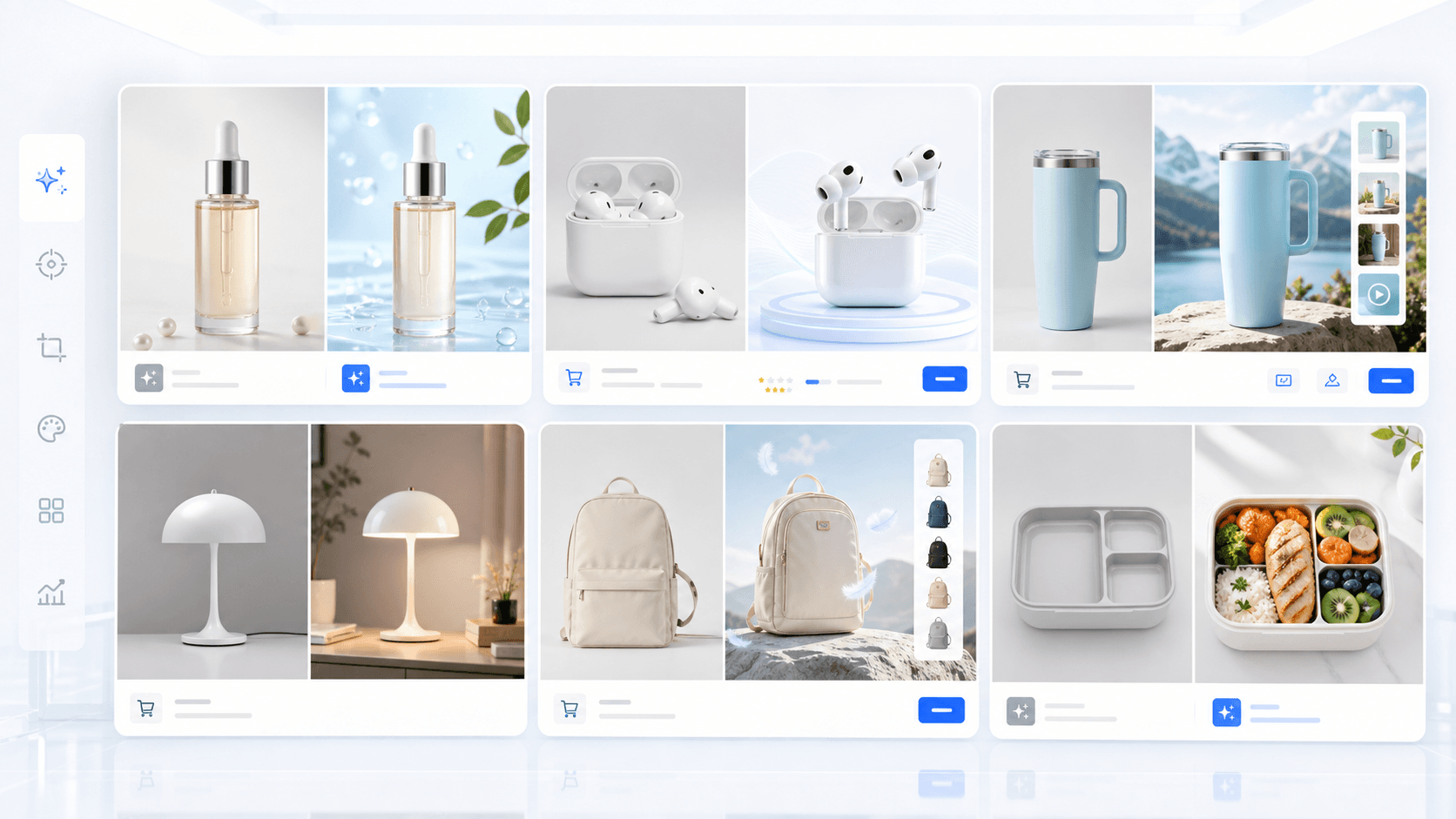
CommercePix AI by AISellerKit
AI Full Image Set Generator for E-commerce
Workflow Overview
Choose the right next step
Workflow focus
full image set generator
Best fit
E-commerce teams evaluating a product-image workflow
Start the workflow
Start generatingWhat a full image set should include
A strong e-commerce image set is not just multiple random images. It should cover the buyer journey from first impression to feature explanation, trust building, comparison, and final purchase confidence.
Why one-click image sets convert better
When every image follows the same product identity, lighting direction, and selling-point logic, the product page feels more intentional and less fragmented.
How to brief the AI
Upload clear product references, choose a set template, then let AI analysis expand one product brief into specific directions for each image slot.
FAQ
What is a full image set generator?
It is an AI workflow that creates a coherent group of e-commerce visuals instead of a single isolated product image.
Is it different from generating multiple images?
Yes. A full image set should assign a role to each image, such as launch, listing, comparison, premium detail, or social cover.
Can I use it for Amazon and Shopify?
Yes. You can adapt the set template and aspect ratio for marketplace listings, Shopify storefronts, DTC landing pages, and campaign pages.
Ready to apply this workflow?
Create the next product visual
Use the full image set generator workflow with your product references, then review the result against the destination channel before publishing.
Related resources
AI Product Image Generator Guide
Learn how an AI product image generator helps e-commerce teams create product photos, hero images, detail visuals, and marketplace-ready assets faster.
AI Product Infographic Generator
Generate ecommerce product infographics for benefits, features, dimensions, materials, comparisons, and detail-page education.
AI Product Image Generator Software
Compare AI product image generator software for image creation, SKU asset packs, retouching, product link clone, workflow history, and ecommerce team operations.
Amazon Main Image Requirements Generator
Use a practical Amazon main-image checklist to prepare a product-first image, clean its background, and review the final asset before upload.
Resource center
A central entry point for guides, examples, templates, industry pages, and channel hubs.
AI product image resources
Browse guides, comparisons, templates, examples, and production use cases.
AI product image software resources
Cover software evaluation, creative automation, PDP optimization, and ecommerce buying intent.
Amazon and Shopify image resources
See how marketplace and storefront image systems differ.
E-commerce video
Alongside product-image workflows, CommercePix AI supports e-commerce video generation from a product start image and a short creative direction. It helps teams explore product motion for PDP heroes, short-form ads, and social previews, while keeping task history in the same account workspace. Teams must review every result for product accuracy and channel compliance before publishing.
Industry pages
Explore category-specific workflows for beauty, electronics, home, pet, and more.
Examples
Inspect public examples for detail pages, hero visuals, and marketplace sets.
Templates
Use reusable prompt and workflow templates for production tasks.